Fusion logo appearing on Android screen
1 min
When you have Fusion Signage running on your Android device and you can see a small tab in the bottom right showing our Fusion Signage logo, you have an Accessibility option turned on in your device.
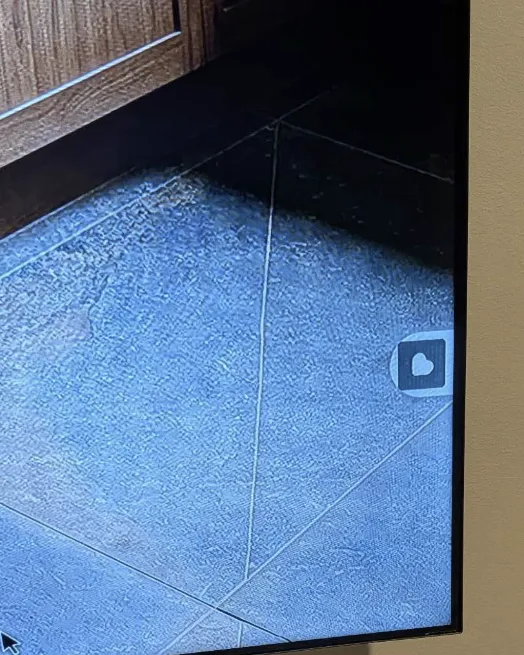
To turn it off:
- Close down the Fusion Signage application
- Navigate to Android Settings (gear icon)
- Navigate to Accessibility
- Click on Fusion Signage
- On the second option "Fusion Signage Shortcut" make sure this is toggled off.