How to manage your locations
4 min
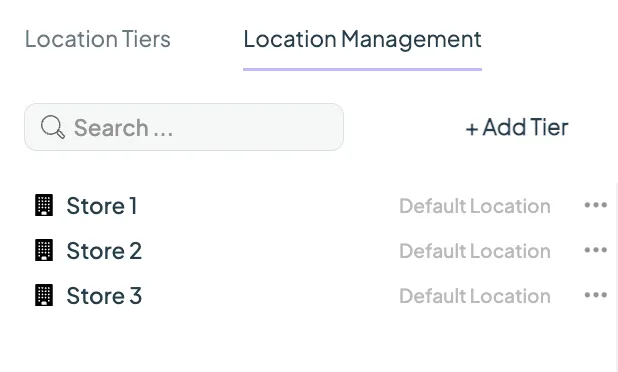
Once you have defined your location tiers, you can now start building out your location structure under Settings → Locations → Location Management tab.
- Using the tiers you just created, you can click on + Add Tier and select your first tier
- Give your tier a name
- If you want to add sub-tiers, you can click on the … menu next to the tier name, and select a tier to add
- You can also Rename or Delete the tier here
Build out your hierarchy, and ensure you add a Location as this is where your screens will be added.
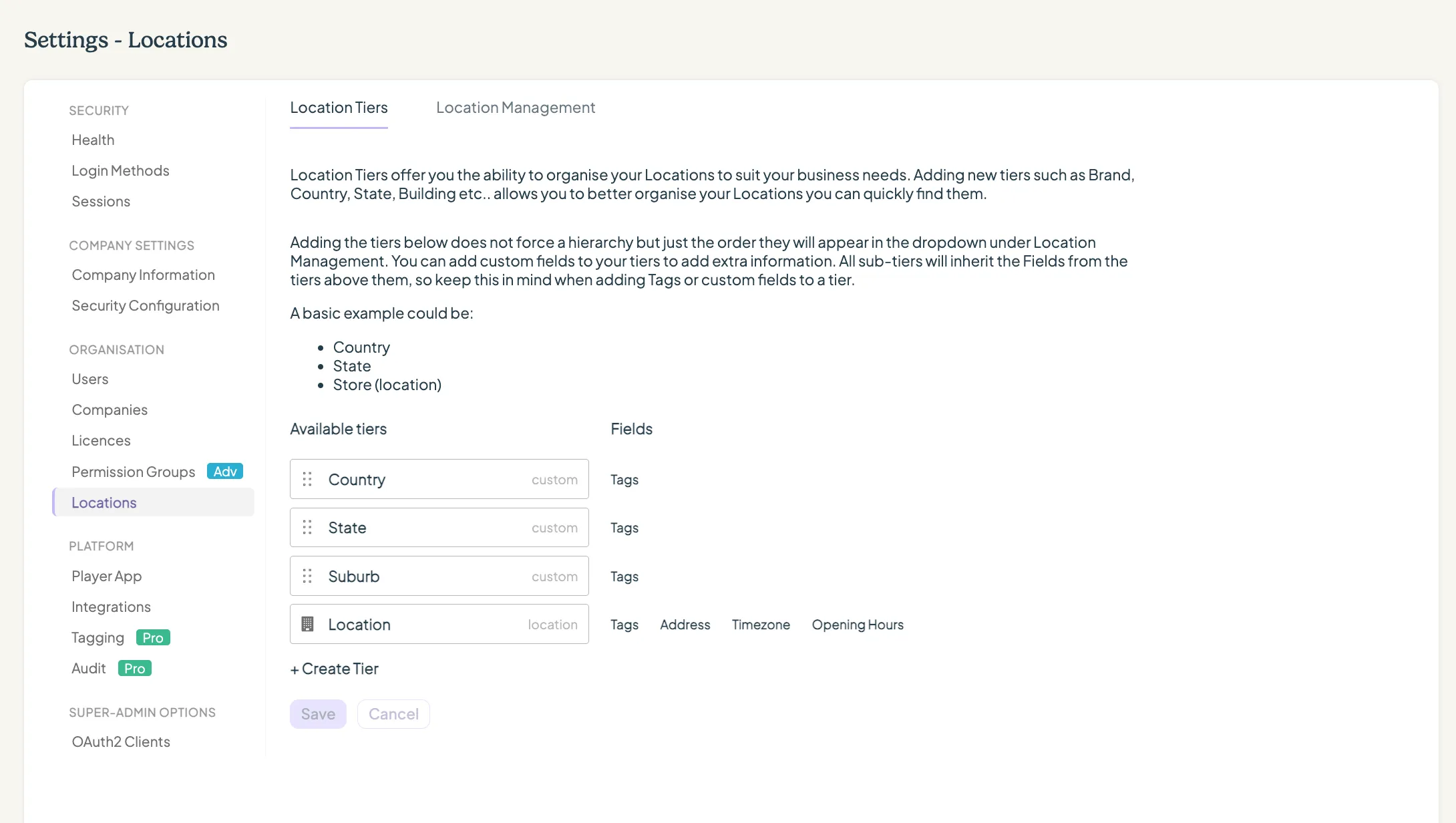
Tier best practice
A general rule of thumb is to add a tier when you want to provide a user or user group with access at that tier, or if you want to organise your locations more efficiently.
You can easily forego adding any tiers at all, and just use the location to organise your account if you don’t need any extra depth.
Setup only using locations
Setup using one Tier

Setup using multiple Tiers

Looking for something else?
We can’t wait to hear about it. Reach out to our sunshiney support and we'll be in touch in a flash.