Dashboard Overview
The Dashboard is the first place you'll land when logging into Fusion Signage and gives you a quick overview of your account, screens and design tools.
From here, you can see how your screens are tracking, quickly access different areas of Fusion Signage and identify anything that may need your attention.
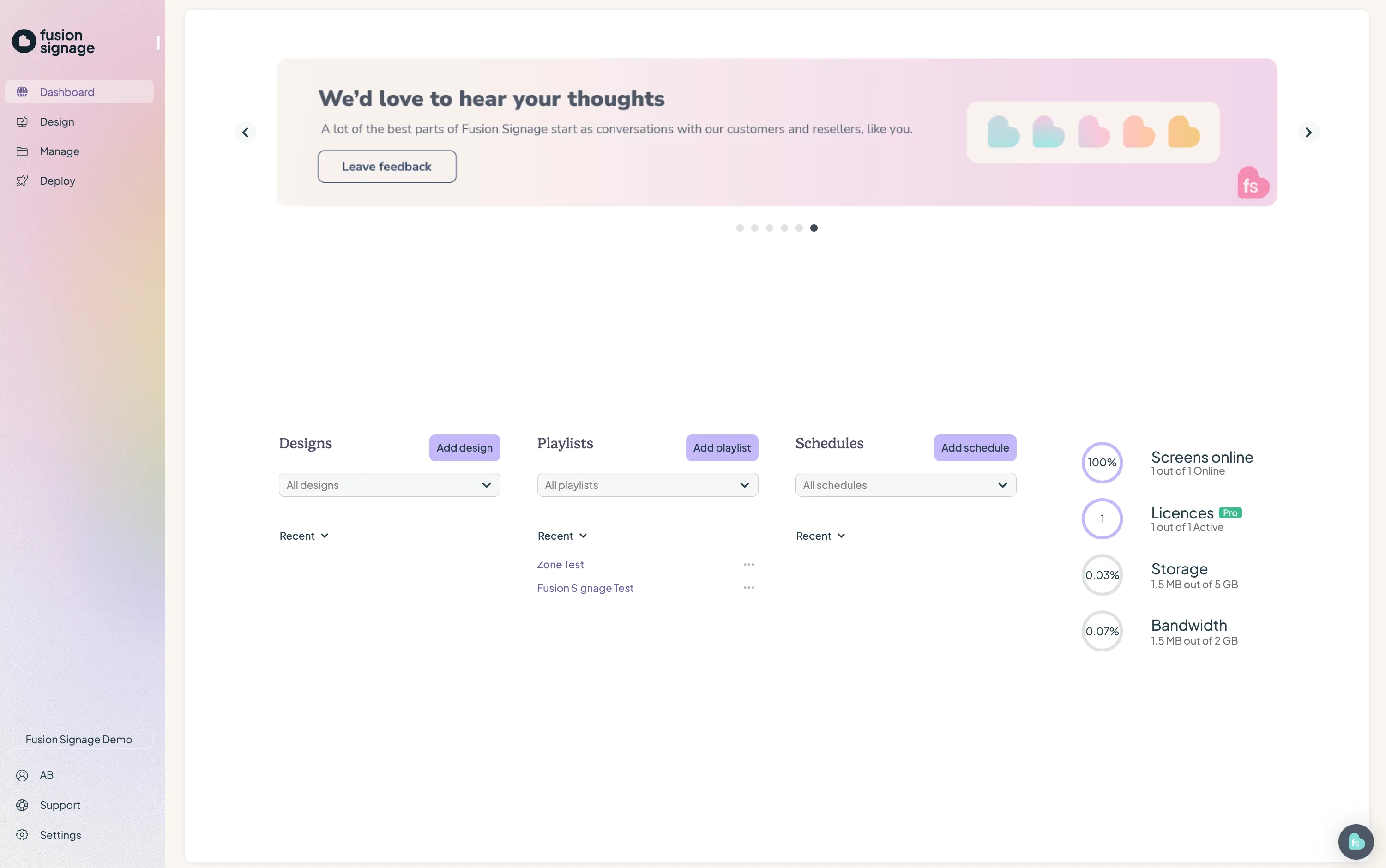
Your screen overview
At the top of your Dashboard, you'll see a snapshot of information about the screens connected to your account.
This gives you a quick way to check things like:
- How many screens you have
- Which screens are online or offline
- Your screen and licence status
- Any screens that may need attention
You can use this information to quickly spot potential issues without having to check each screen individually.
Navigate Fusion Signage
The Dashboard also gives you access to the main areas you'll use to manage and design your digital signage.
Design
Head to Design when you need to create and customise the content shown on your screens.
From here, you can create visual designs, arrange content and build layouts that match your brand or campaign requirements.
Manage
This is where you'll manage the content playing across your screens, including:
- Media Library for uploading and managing your content
- Playlists for organising content into groups
- Schedules for controlling when your content plays
Deploy
Head to Deploy when you need to manage your screens and licences.
From here, you can view your connected screens, check their status, pair new screens and manage the licences assigned to them.
Settings
Settings is where you can manage your company and account configuration.
Depending on your access level, this can include users, permissions, company information and other Fusion Signage settings.
Keep an eye on your screens
Your Dashboard is a good place to start whenever you log in.
A quick check can help you spot offline screens, licence issues or anything else that might need attention before you start designing or making changes to your content.
From there, simply head into Design, Manage, Deploy or Settings depending on what you need to do.
Looking for something else?
We can’t wait to hear about it. Reach out to our sunshiney support and we'll be in touch in a flash.