Requesting licences through the Fusion Signage portal
Need some more Fusion Signage licences? You can send a request directly through the portal so your integrator knows you’re interested.
Before you begin
Fusion Signage licences are sold exclusively through our trusted partner network.
The Purchase Licences option in the portal does not complete a purchase or take payment. It simply sends an enquiry to the integrator connected to your account so they can contact you with pricing and the next steps.
How to send a licence request
- Log in to the Fusion Signage portal.
- Go into Deploy.
- Select Purchase Licences from the top right corner.
- Fill out the details to submit your enquiry.
- Your request will be sent to the integrator associated with your account.
- Your integrator will contact you to confirm your requirements, provide pricing and arrange the purchase.
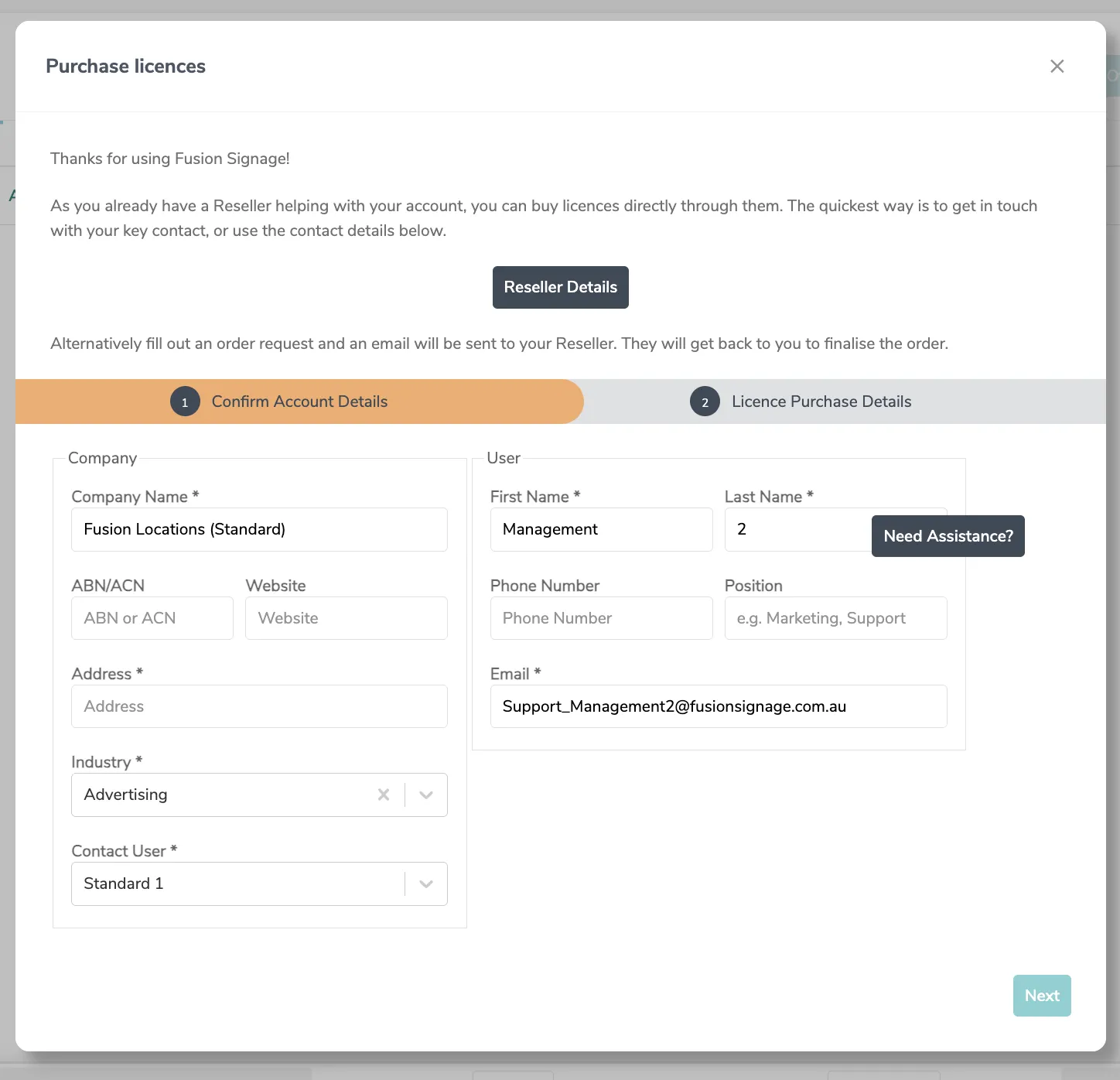
Submitting the request does not automatically add licences to your account. Your integrator will organise this with you before the licences are issued.
What happens next?
Once your integrator has processed the order, the new licences will appear in your Fusion Signage account.
You can then assign an available licence when adding a screen through Deploy → Add Screen.
Can I buy directly from Fusion Signage?
Fusion Signage does not sell licences directly to end users. All licence purchases, renewals and upgrades are managed through our trusted partner network.
Working with an integrator also gives you access to support with hardware selection, installation and your wider digital signage setup.
Don’t have an integrator?
No problem! Contact us at [email protected] and let us know a little about what you need.
We’ll be happy to connect you with an authorised integrator suited to your location and requirements.
Looking for something else?
We can’t wait to hear about it. Reach out to our sunshiney support and we'll be in touch in a flash.