Websites
Overview
Fusion Signage allows you to use a Website URL as either a media item, or as a widget within a design. Both are treated slightly differently.
Generally we use an iframe to embed your website URL into the application which allows one website to be displayed within another. When building a website, the developer can control whether to allow the site to be used within an iframe, which may prevent the site from displaying on your screens.
You can check whether your URL is supported using an iframe tester (like this one).
Website as a media item
Pre-requisites as a media item
- Must not require a login
- Publicly available or on the same network as the device (if using a locally hosted URL)
- If you are using Tizen, WebOS, Windows or Linux the website must be iframe-compatible to embed correctly.
- If you are running Android (app v2.21.0+) or BrightSign (app v2.10.0+) the website will run off the native browser on the device. Earlier versions will use iframes.
Adding a website media item
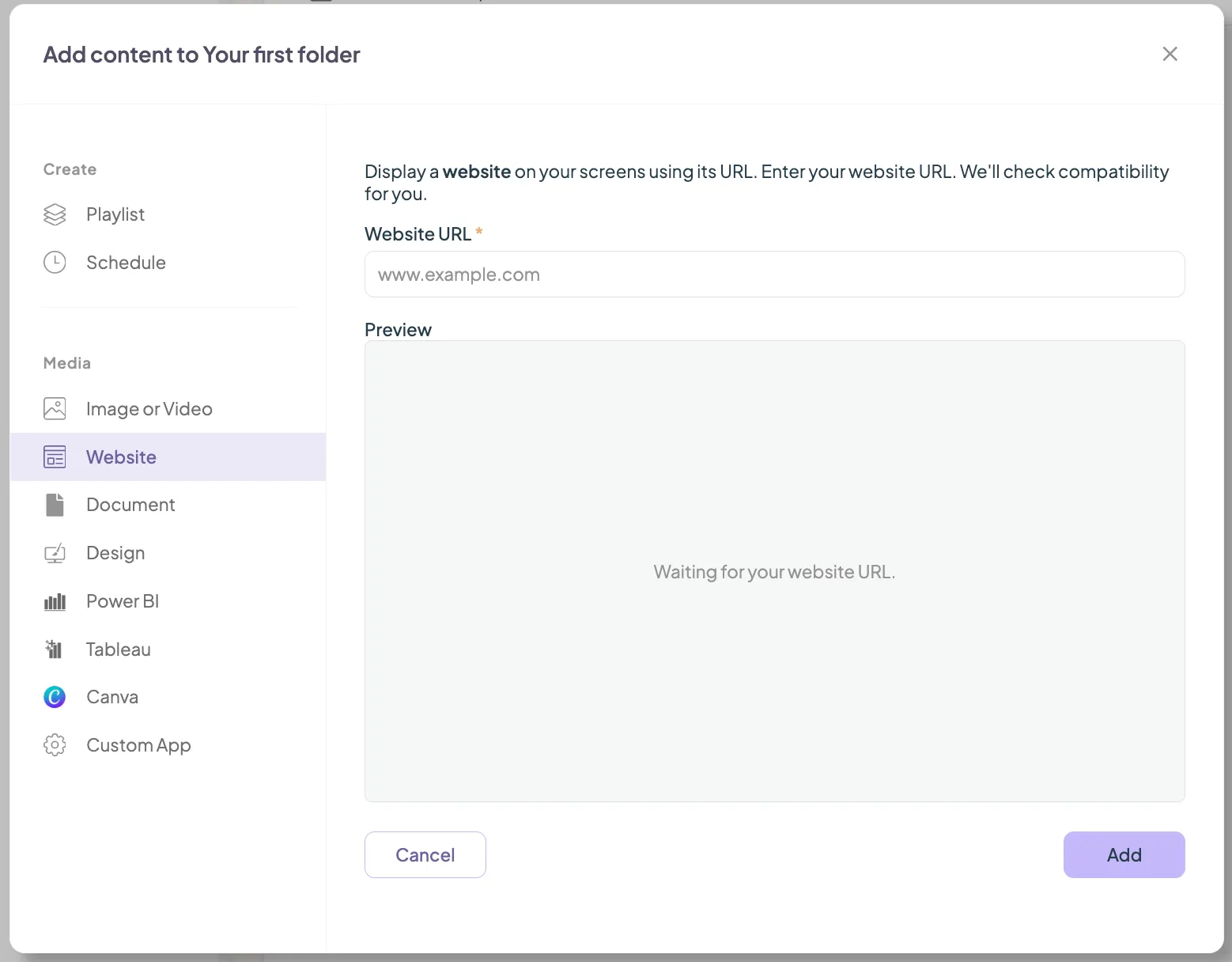
In your manage section, select the folder you want to add the website to.
- Select Add > Website.
- Paste the website URL into the field and click Add.
- The website is now treated like any other piece of media and can be added to your playlists.
Adding a website to a Design
In addition to adding a website as a media item within a playlist, you can also embed a website directly inside a design. This allows you to display live web content alongside other design elements
Pre-requisites as a design widget
- No login required (as we currently have no way to pass credentials securely to the device)
- Publicly available or on the same network as the device (if using a locally hosted URL)
- The website must be iframe-compatible to embed correctly.
Add a website to a design:
- Open an existing design, or create a new design.
- Click Dynamic Widgets.
- Select the Website widget.
- Enter the website URL you would like to display.
- Resize and position the widget anywhere within your design as required.
- Save your design and publish it to your screens.
Website not loading on Android v2.21.0+
If you are experiencing issues on Android v2.21.0+ with elements of your site not loading, the browser on your device may be out of date.
Looking for something else?
We can’t wait to hear about it. Reach out to our sunshiney support and we'll be in touch in a flash.