What are elements?
7 min
When creating your content, you can add various elements to your canvas. These options are all found under the Add dropdown menu on the left side of your canvas.
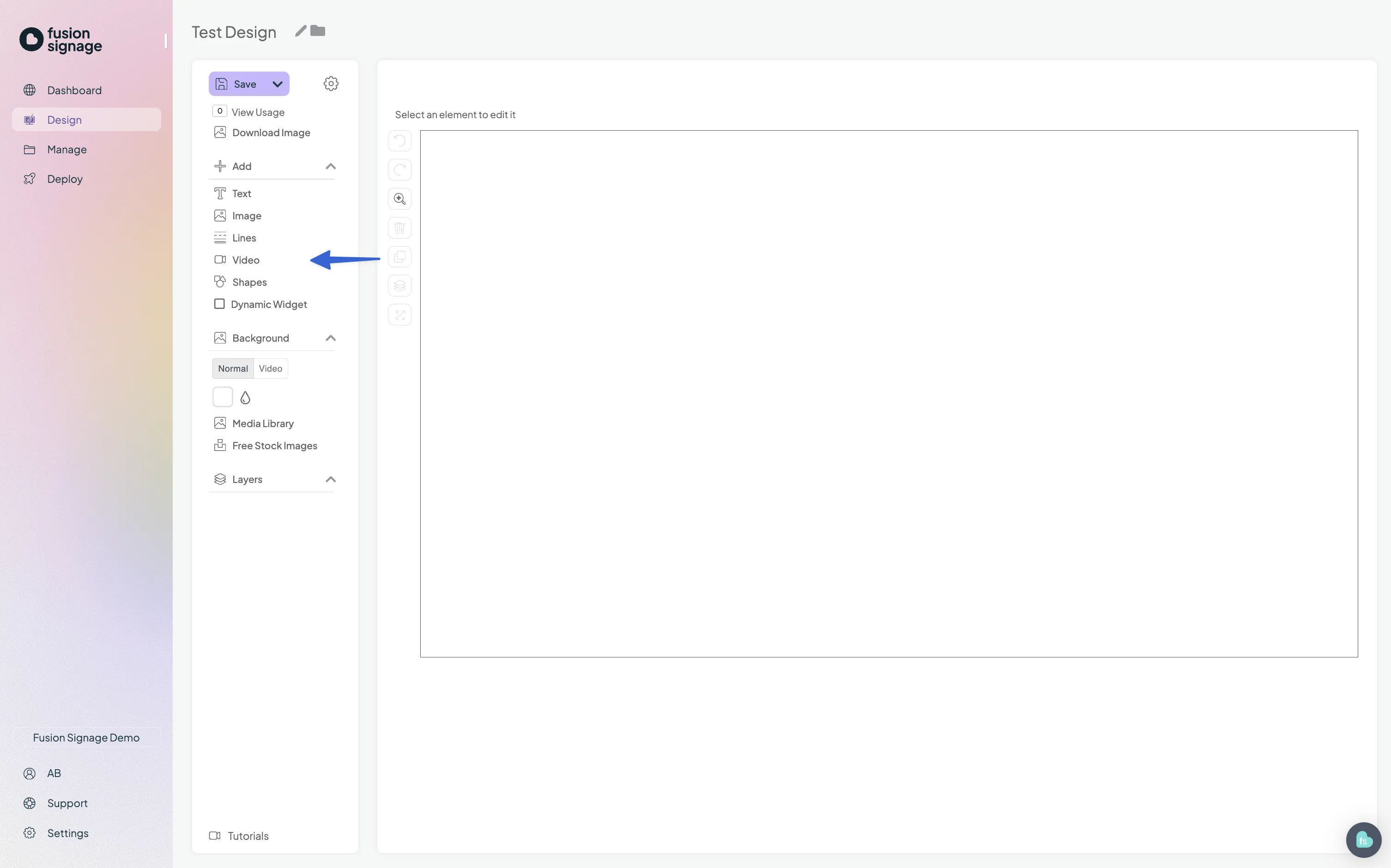
Text
Adds a text box to your canvas.
- Type your desired text
- Change the font
- Upload a specific font
- Adjust the font size
- Resize the text box
- Change text colour and opacity
- Add a border around the text box
Image
Allows you to add images.
- Upload your own images (drag files into the media library or select from it)
- Browse over 3 million free images using our Unsplash integration.
Supported file types: JPG, JPEG, PNG.
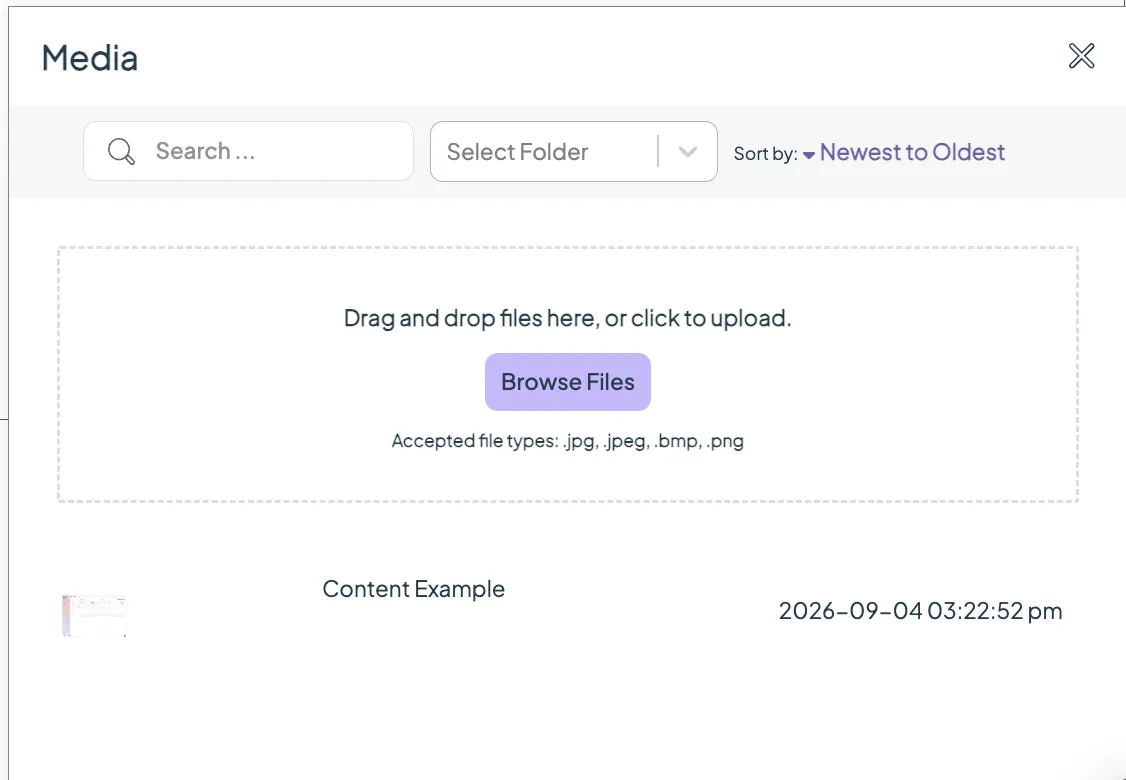
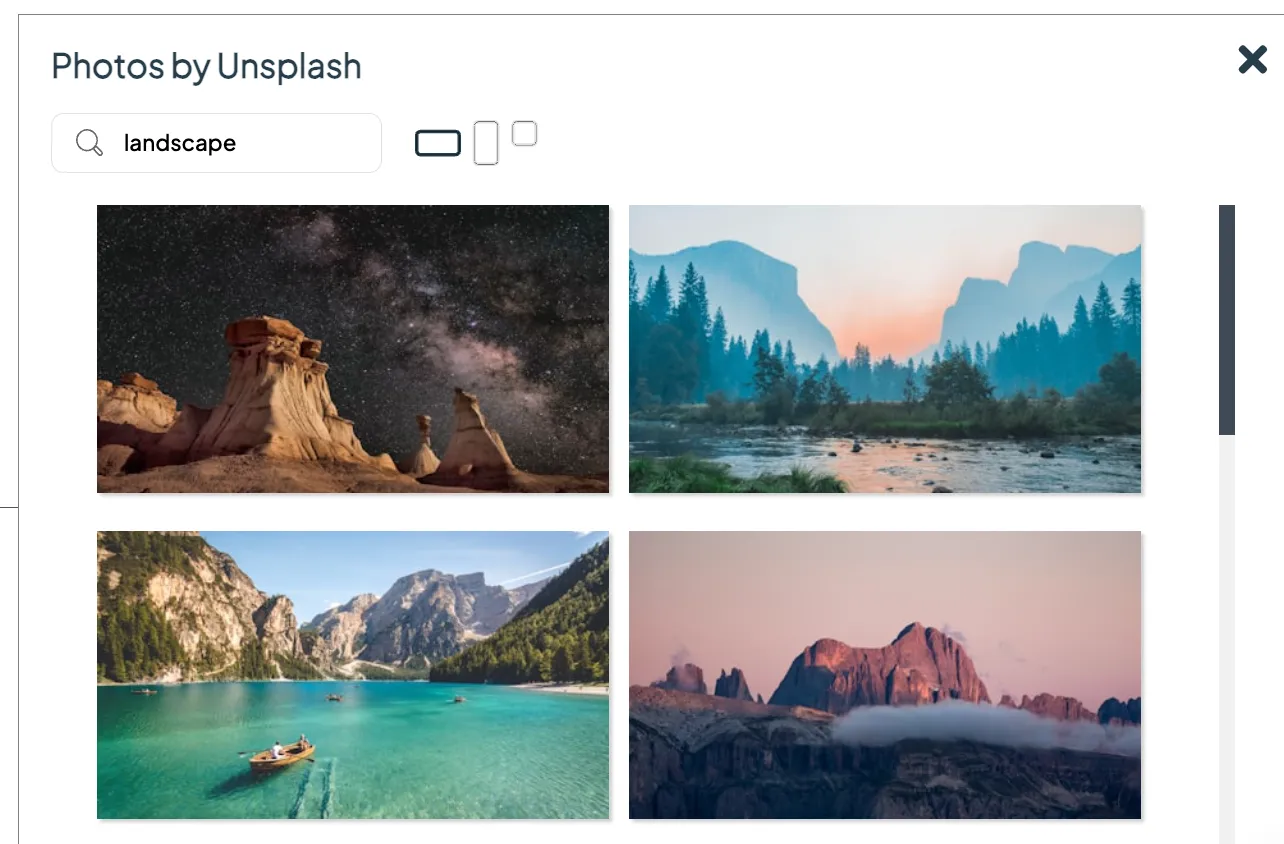
To edit images

- Select the image element to access the toolbar at the top of your canvas.
- Use your media library or Unsplash photos to replace the current image.
- Mode: choose Contain (keeps proportions) or Cover (crops to fill the zone).
- Adjust opacity via slider or input box.
- Add a border with style options.
Lines
Insert lines onto your canvas.
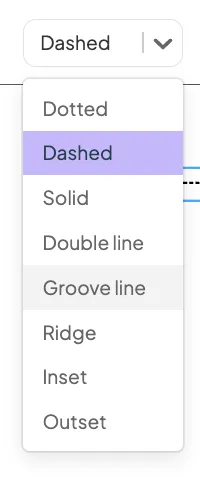
Options include:
- Line type (solid, dashed, etc)
- Thickness
- Colour
- Opacity
Video
Similar to the image element but for MP4 files.

Features:
- Upload MP4 videos (only MP4 format supported).
- Mode: adjust how your video appears.
- Audio: toggle sound on or off.
- Loops: enable or disable looping.
- Preload: choose loading options (helpful if videos aren’t playing smoothly).
- Opacity: set the transparency level.
Shapes
Choose from a variety of included shapes.
Editing options:
- Change colour
- Adjust opacity
- Add or modify borders

All these elements allow you to customise your content with flexibility and precision. Remember – the key to a great design is experimenting and making it your own.
Looking for something else?
We can’t wait to hear about it. Reach out to our sunshiney support and we'll be in touch in a flash.